Guide
Quickstart
Try Sōba in seconds with no account, or sign in, connect one app and link your glasses.
Open usesoba.xyz/try, tap Try on the glasses' link screen, or press Start the lens at the end of usesoba.xyz to use the real lens in your browser. Sōba lends you practice accounts it owns, so everything works with no sign-up and no real money.
| You get | Limits |
|---|---|
| A shared Binance Demo and a seat of your own (Bybit Demo, OKX Demo, Hyperliquid Testnet) | Which apps you get depends on what's free (6 seats at most); a busy app shows "busy, back soon" |
| The whole app on those logins: trade, swap, shortcuts, watchlist, Ask Sōba | A seat goes back after 30 min unused; a guest lasts 60 min |
| Try on the G2 too: tap Try on the code screen. The glasses get their own Try, with their own lent seat; only the shared Binance Demo is the same account | Linking real glasses needs your own account |
usesoba.xyz/app
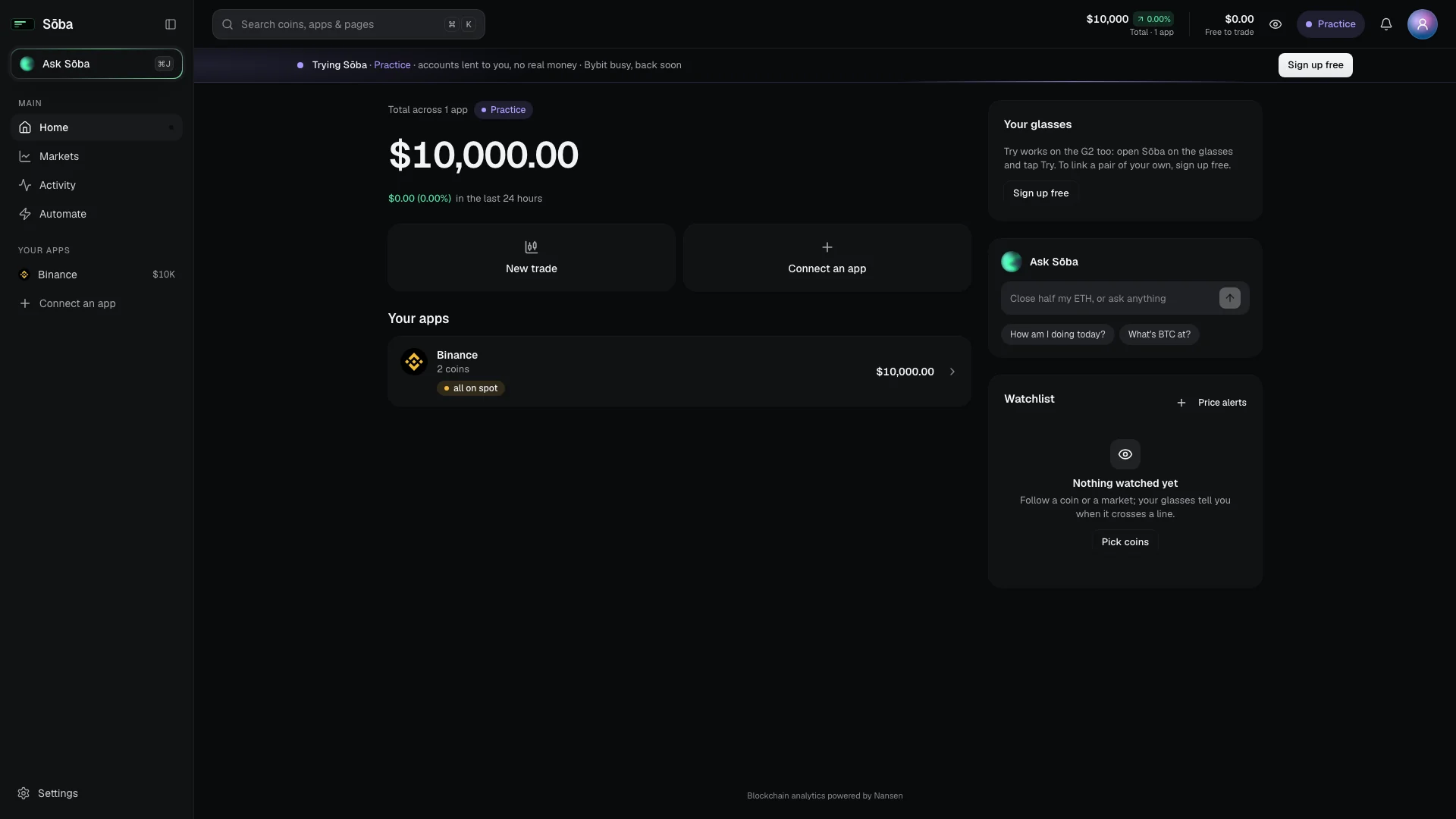
Signing up later keeps the shortcuts you made.