Hyperliquid
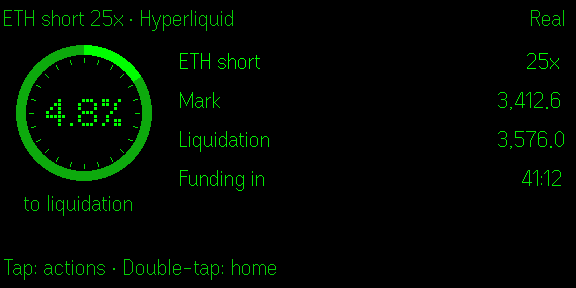
Every Hyperliquid order type from the glasses or the website, through a trade-only key your own wallet approves.
Connect
Sign in with your wallet. Connect Hyperliquid from Connect an app with a wallet app (MetaMask, Rabby, Coinbase Wallet and others). Show my account reads it with nothing signed: read-only needs only the address, and the address must already exist on Hyperliquid.
Approve trading. Sōba asks "Let Sōba trade from your glasses?" with four chips: Trades only · Can't withdraw · Ends in 180 days · Remove any time. Approve trading has your wallet sign Hyperliquid's own agent approval for a fresh key Sōba made. Sōba then checks Hyperliquid lists it. Not now keeps the account read-only.
Signed up by email? Paste an API wallet made on Hyperliquid's API page, with your main address. Sōba refuses your main wallet's own key.
The approval lasts 180 days. Sōba warns when it ends within 7 days, re-checks every login daily, and shows Approve again when it lapses. Disconnect and revoke signs a throwaway agent so Hyperliquid drops Sōba's approval too.
What you can do
| Action | Details |
|---|---|
| Open | Market (fills at once, within a 1% price buffer), Limit (rests until filled), Stop (triggers at a price), TWAP (5 min to 4 h, on the website). Leverage and cross or isolated margin are set first, capped at the coin's own maximum (at most 50x). Smallest order $10. |
| Take profit and stop | Ride with the entry on market, limit and stop orders |
| Manage a position | Close a part or all, add or remove margin (isolated), set, move or clear the stop and the target, change leverage |
| Orders | Cancel a resting order or a TWAP |
| Spot | Swap a coin against USDC; move USDC between spot and perps (only within your own account) |
| Earn | HLP deposit and withdraw (Real only). HYPE staking is signed by your wallet on the website: move HYPE to staking, then delegate to a validator; unstaking reaches spot in 7 days |
| Add money | Steps: open Hyperliquid with this wallet, deposit USDC from Arbitrum (at least 5 USDC), and it shows in Sōba in about a minute |
On the lens, New trade offers Long, Short, Limit long and Limit short at your preset size and leverage; an open position's leverage changes from its own actions on the lens, by voice or on the website.
What Sōba reads
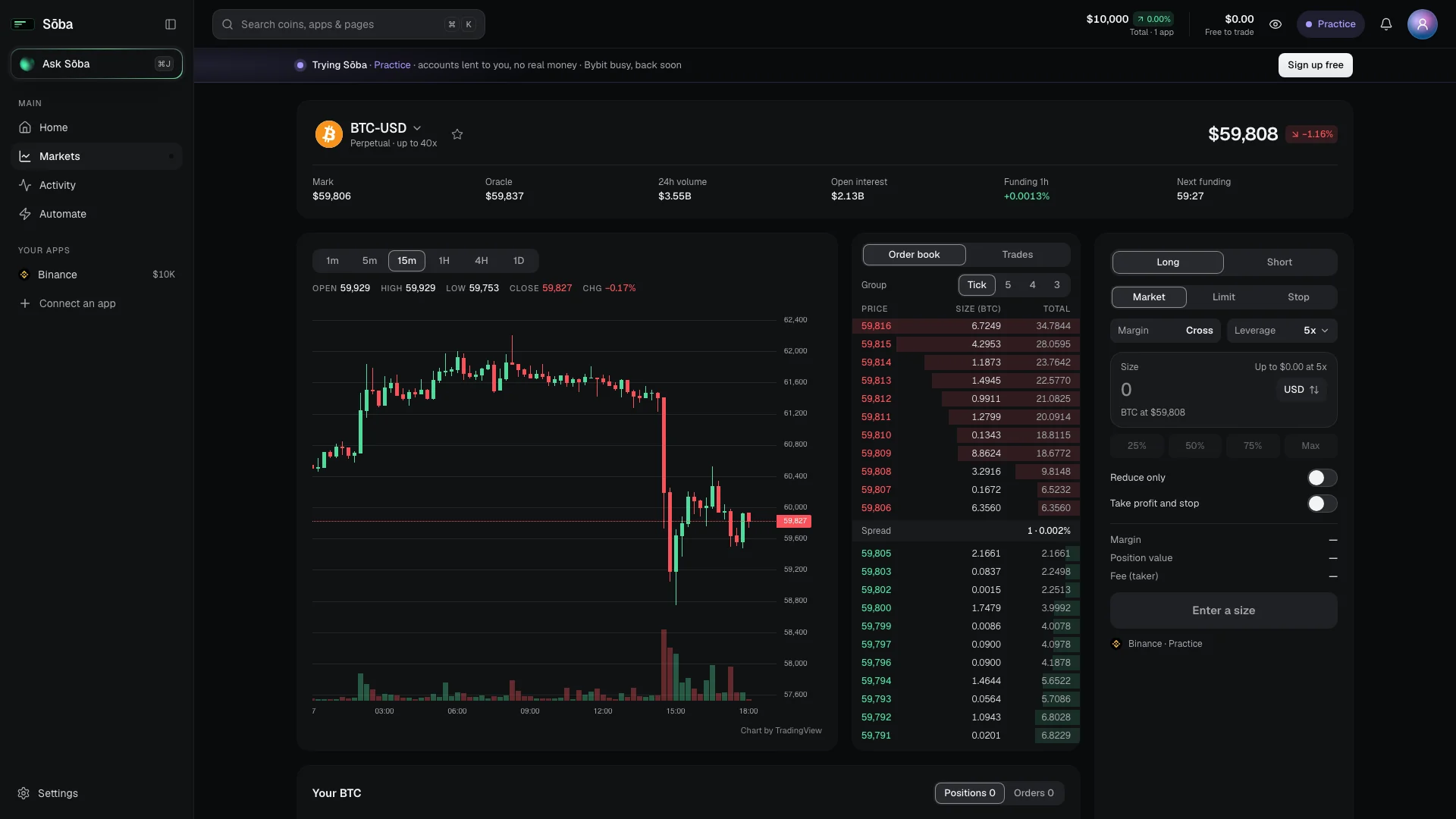
Positions and marks, open orders (stops, targets, limits), TWAPs, fills, spot coins, the account total and Earn. With a live stream, positions update as they change; without one they are read every 5 s. Hyperliquid allows 10 user streams per IP per network, and a pair of glasses gets one before a website tab does.
Practice
Practice is Hyperliquid Testnet. Its faucet pays only wallets that have made one real deposit, and Testnet prices are its own. HLP is Mainnet only.
No builder fee
Sōba adds no builder fee to Hyperliquid orders. The trade-only key can't withdraw, and nothing in Sōba can.