Telegram
@soba1_bot is Sōba in your chats: a home panel in pictures, answers by text or voice note, alerts, receipts, trade calls and one-tap confirms.
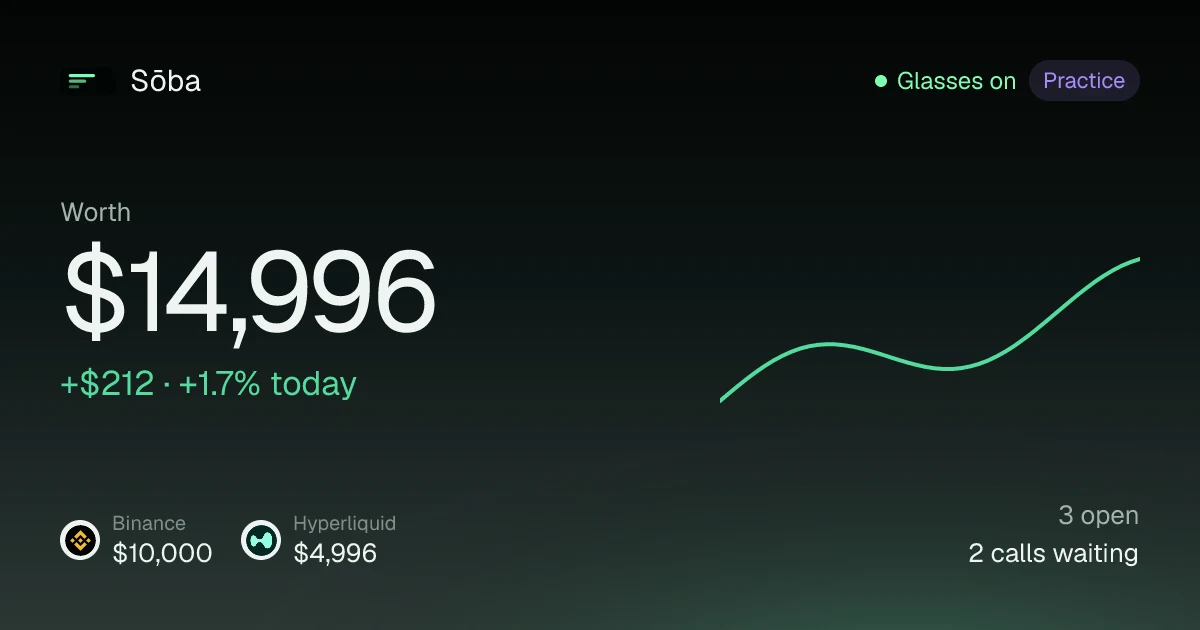
Sōba · Practice
Worth $14,996 · today +$212
3 open · 2 calls waiting
👓 Glasses on: new calls go there first.
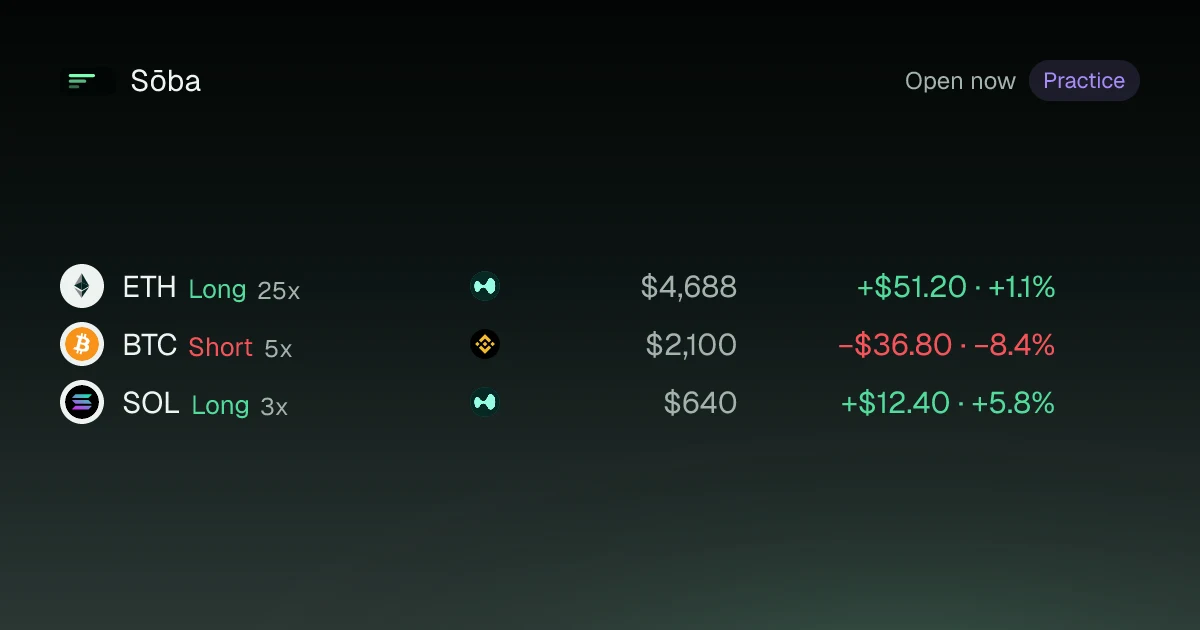
Open now · Practice
ETH long 25x · Hyperliquid · +$51.20 (+1.1%)
BTC short 5x · Binance · −$36.80 (−8.4%)
SOL long 3x · Hyperliquid · +$12.40 (+5.8%)
Telegram is Sōba's third door, next to the glasses and the website. The bot runs on the same server, the same answer engine and the same read-back as the lens, and follows the Real ⇄ Practice switch. Its home is one picture message the bot edits in place as you tap, so the chat never fills up. Every picture (home, open now, today, calls, the banner, how-to, deposit QR, result) is drawn on the server at 1200 × 630 in Sōba's look, with the apps' real logos, and every number in a picture is also in its caption.
Link it
Settings → Telegram → Connect Telegram on the website shows a QR code and a one-time link ("Scan with your phone, then press Start."). The link works for 10 minutes.
Start in Telegram links the chat. The bot sends a welcome picture and asks "Can I read the calls you send me?": Allow or Not now. /privacy asks again any time.
Every card
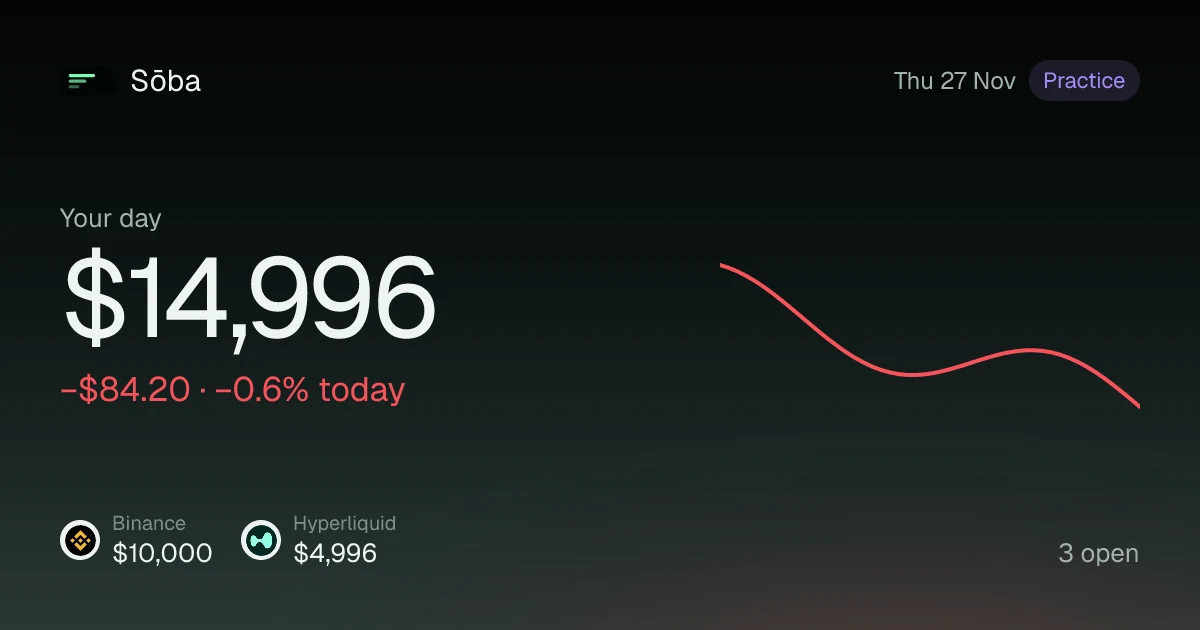
🗓 Your day · Thu 27 Nov · Practice
Worth $14,996
Today −$84.20
3 open
• Binance: $10,000
• Hyperliquid: $4,996
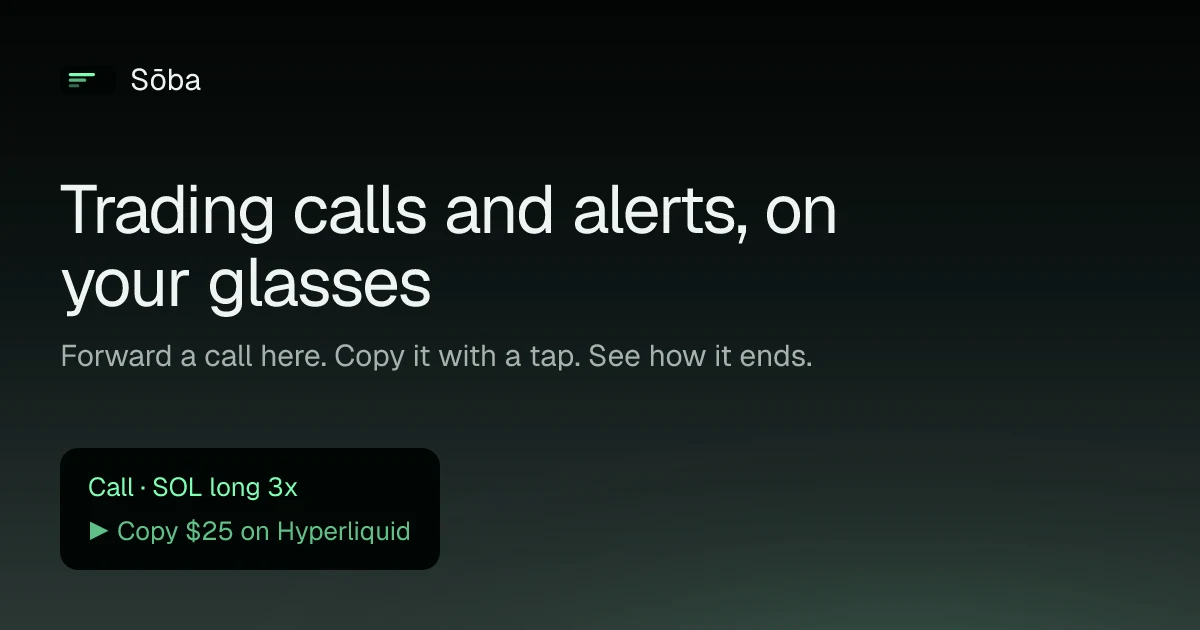
The banner heads Settings, each app's Add money, and the first message before you link.
Settings switches: Read my calls · Receipts · Alerts · Daily picture · Pause alerts
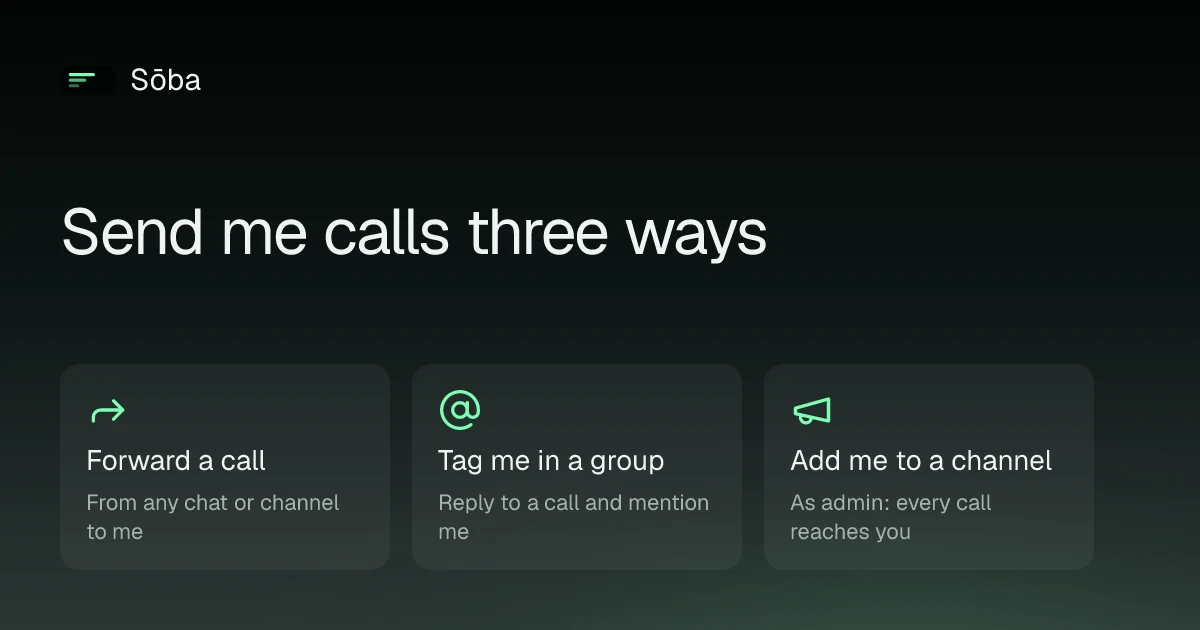
Forward a call, tag the bot under one in a group, or add it to a channel as admin.
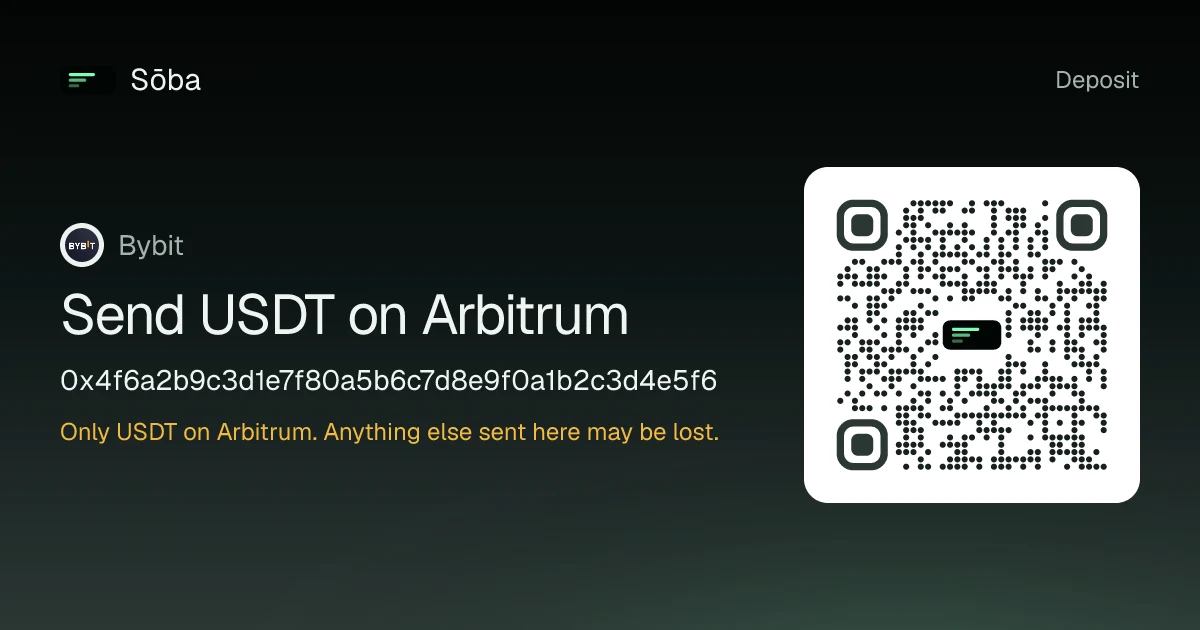
Only USDT on Arbitrum. Anything else sent here may be lost.
Watching for it for 30 minutes; you'll hear when it lands.
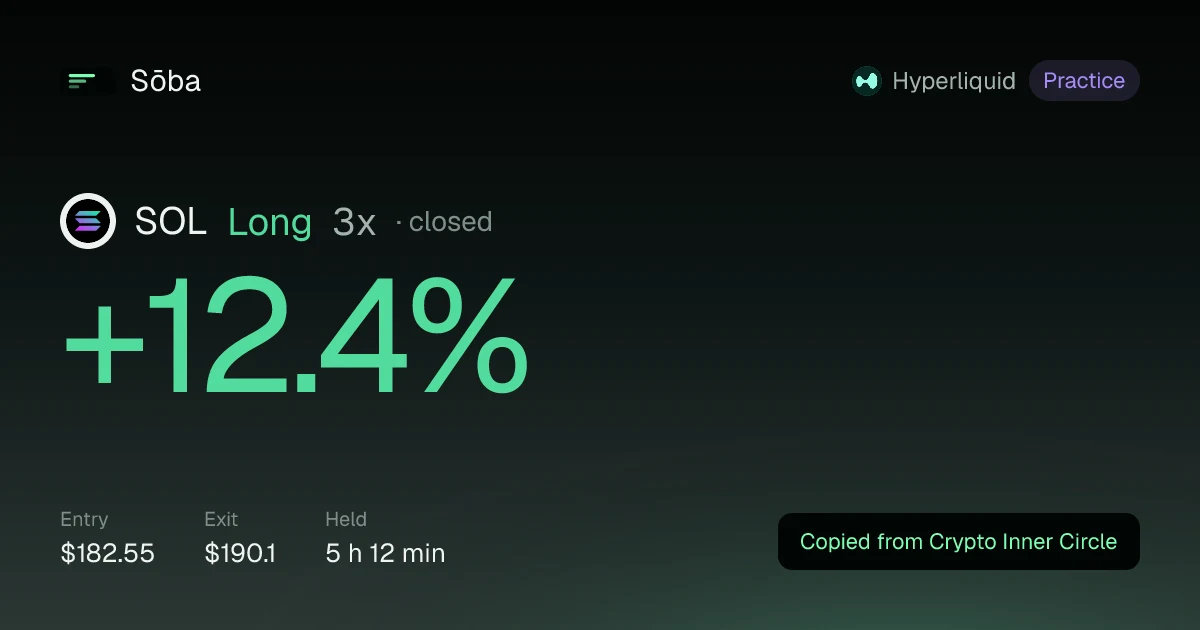
A call you copied has closed: percent and prices only, never your amounts.
Sōba · Real
Nothing connected in Real yet. Connect an app and it shows here.
👓 Glasses off: I’ll ask you here.
Share ↗ on a result opens the website's /share/pnl page, whose picture shows the percent and prices, not amounts.
Commands
| Command | Opens |
|---|---|
/start | The home panel |
/open | What's open now, across your apps |
/today | Your day: worth, today's P/L, each app |
/money | Add money, app by app |
/calls | Trade calls waiting for you |
/settings | Read my calls, Receipts, Alerts, Daily picture, 🕗 Change hour, Pause alerts |
/help · /privacy | How to send calls · what the bot reads |
Ask, and confirm
Type a question or send a voice note (up to 20 s). The answer comes from the same engine as the lens and the website's Ask Sōba; "how am I doing" answers with the Today picture. A trade ("close half my ETH") comes back as a read-back with ✅ Close… and Cancel: nothing is sent until you press it.
| You get | Buttons |
|---|---|
| A trade you asked for | ✅ the action · Cancel |
| A shortcut proposal (glasses off, or set to ask in Telegram) | Do it · Skip, re-checked when you press it, only in your private chat |
| A trade call | Copy (pick the app → read-back → ✅ Copy it) · Ignore · Mute caller |
| Add money | ✅ Add it (practice top-up) · ✅ Move it (Funding → trading) · 📥 Deposit address → the QR card with 📋 Copy address |
What it sends you
| Message | Buttons |
|---|---|
| 🔔 An alert | 🔕 Pause 15 min · Open Sōba ↗ |
| 🧾 A receipt for each trade and fill | Activity ↗ |
| A result card when a copied call closes | Share ↗ |
| The daily picture at your hour: 7, 8, 9, 12, 18, 20, 21 or 22 (off until you turn it on) |
Only what you allow
The bot reads calls only after Allow, and keeps only the parsed ticket, never the message. Trades always wait for your press on ✅.
Alerts and the watchlist
Price lines you set once, plus every fill, stop, call and wallet move, arriving on the lens, the website and Telegram together.
Trade calls
Forward a trading call from Telegram and it lands on your glasses as a ticket you can copy with one read-back, while Sōba scores the caller.